
Hasleo EasyUEFI is a handy and useful software that allows you to manage (U)EFI boot options, BCD boot options and EFI System Partition (ESP), it can help you repair Windows boot issues caused by corrupted or missing (U)EFI boot option, BCD boot option or EFI System Partition.
Hasleo EasyUEFI supports the creation of WinPE emergency disks, so you can boot from the WinPE emergency disks to fix issues caused by damaged or missing UEFI boot entries, BCD boot entries, or ESP when your Windows fails to boot.
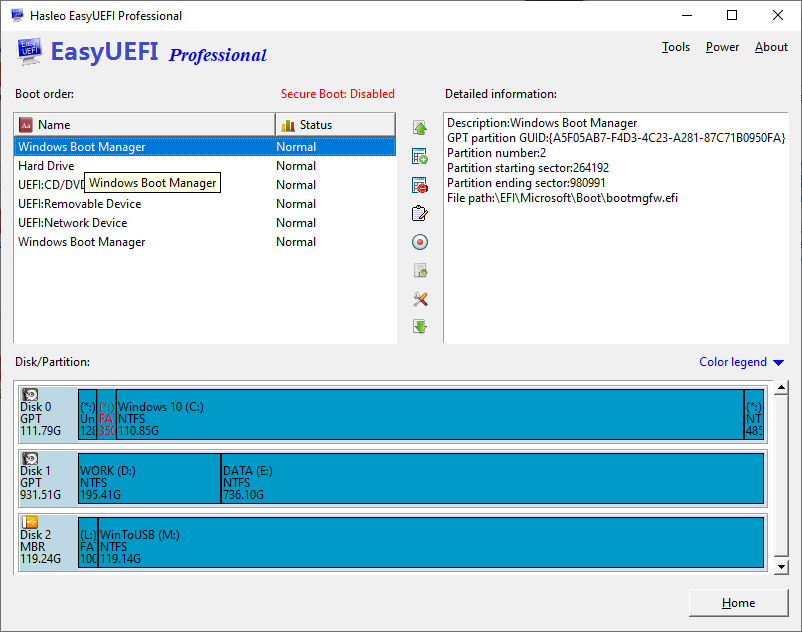

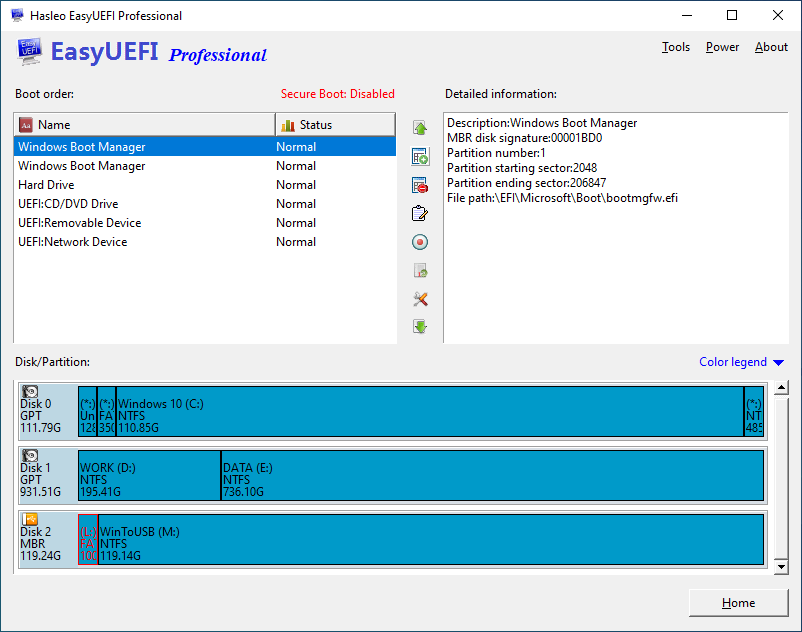
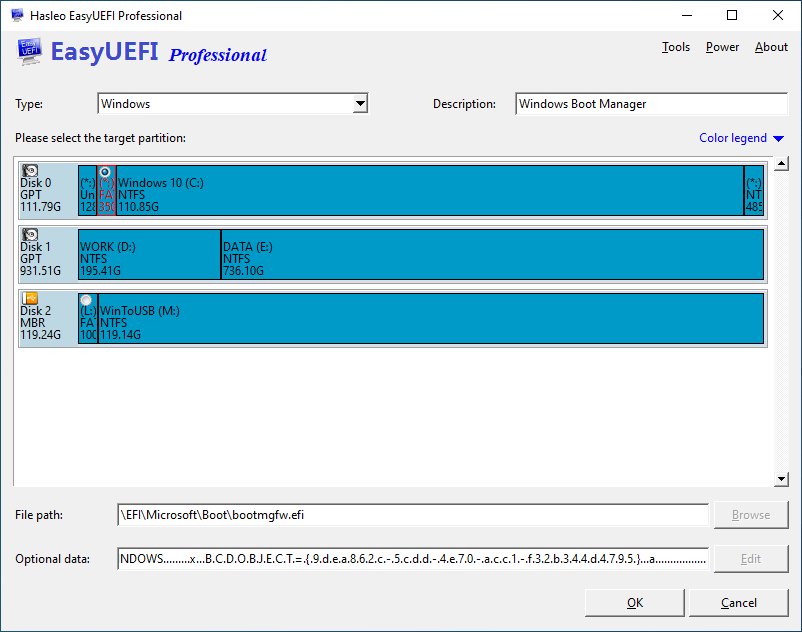
This feature allows you to easily manage (U)EFI boot options, such as create, delete, edit, clean up, backup and restore boot options, or change boot sequence, all these operations done under Windows without entering BIOS setup.

This feature allows you to easily manage BCD boot options, such as create, delete, edit, set default boot option, backup and restore boot options, or change display order.

This feature allows you to effectively manage the EFI System Partitions, such as backup, restore, rebuild, delete, explore, read and write the EFI System Partition, or move EFI System Partition from one drive to another.
| Features |
MOST POPULAR
Professional
For home office and business use
|
Enterprise For business use |
|---|---|---|
| Manage the EFI/UEFI boot options | ✓ | ✓ |
| Manage the BCD boot options | ✓ | ✓ |
| Manage the EFI System Partitions | ✓ | ✓ |
| Support Windows PC (Non-Server Edition of Windows) Operating Systems | ✓ | ✓ |
| Support Windows Server (Server 2008 or later) Operating Systems | ✕ | ✓ |
| Create WinPE bootable disk | ✓ | ✓ |
| Command line support | ✓ | ✓ |
| No upgrade prompts | ✓ | ✓ |
Business usage

This clause applies to both EasyUEFI and the WinPE created by EasyUEFI.
|
✓ | ✓ |
| Free Technical Support | ✓ | ✓ |
| License Agreement | Professional License | Enterprise License |
| License Term |
Single user license
This clause applies to both EasyUEFI and the WinPE created by EasyUEFI.
|
Site license
This clause applies to both EasyUEFI and the WinPE created by EasyUEFI.
|
| Number of Computers Allowed to Install |
2 PCs

The Professional license only allows you to activate the software on two computers and you may not transfer the license from one computer to another if the software is already installed and registered on one computer.
|
Unlimited PCs
The Enterprise license allows you to activate the software on up to Unlimited computers within the same organization at the same site.
|
| Price |
Assures you get the newest version for lifetime without additional upgrade charges.
$29.95
Excluding VAT
The price does not include value added tax (VAT).
$44.95
Excluding VAT
The price does not include value added tax (VAT).
|
Assures you get the newest version for lifetime without additional upgrade charges.
$199.95
Excluding VAT
The price does not include value added tax (VAT).
$299.95
Excluding VAT
The price does not include value added tax (VAT).
|
 button in this window.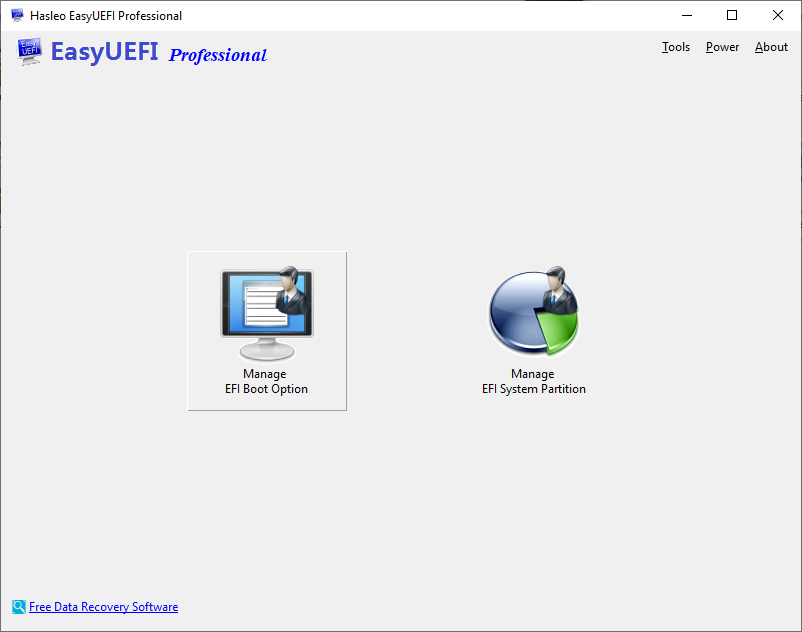
|
|
|

