Hasleo Windows ISO Downloader is a free software that can help us download Windows 11/10 (X86/X64/ARM64) installation ISO from Microsoft's official website, this tutorial will teach you how to us it to download official Windows installation ISO.

Step 1. Download, install and run Hasleo Windows ISO Downloader.
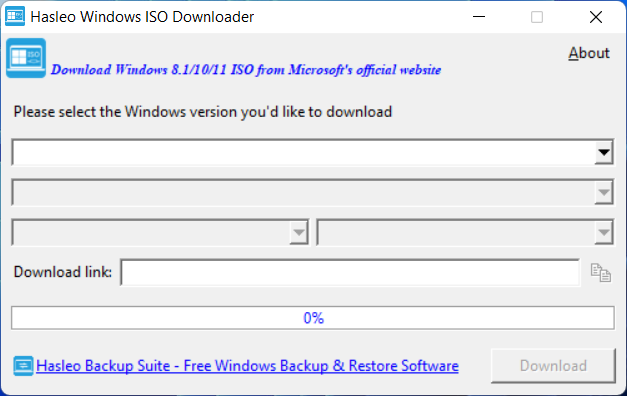
Step 2. Please select the version of the Windows installation ISO you want to download as needed, then click the "Download" button and specify a save path for the ISO file.
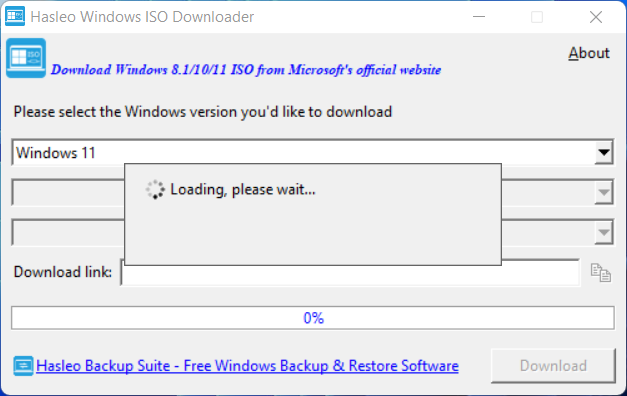
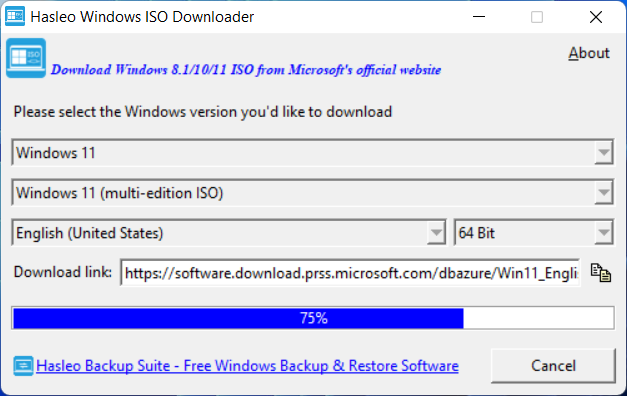
Step 3. The program starts downloading the selected Windows ISO file, the download time depends on your network environment, so please be patient.
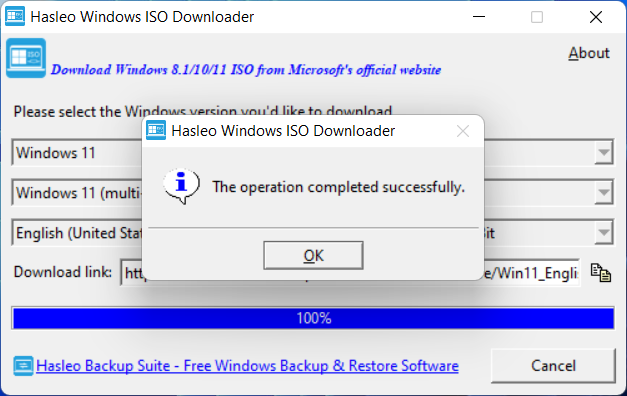
Step 4. The download of the Windows installation ISO is complete.
Above all, Hasleo Windows ISO Downloader is a free software that can help us download Windows 11/10 installation ISO from Microsoft's official website. You only need a few clicks, and the rest is left to the program.
After the operation of downloading the Windows installation ISO is successfully completed, you can create a Windows installation USB flash drive or create a portable Windows with Hasleo WinToUSB and the downloaded ISO file.